Organise products in reusable pools
Keep products and categories independent, then connect them to the right menu when needed.
Digital menu management
Bring product photos, descriptions, category order and current prices together in a menu made for mobile screens. Your team stays in control without recreating the menu for every change.
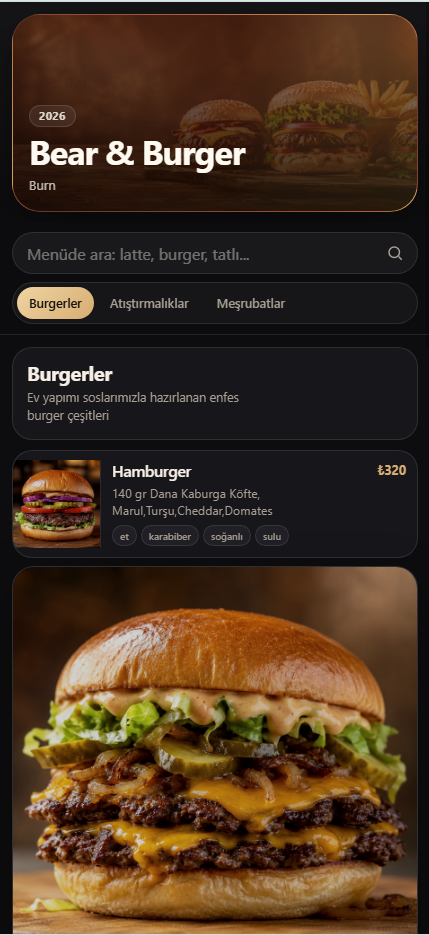
Keep products and categories independent, then connect them to the right menu when needed.
Choose prepared square food images and wide background images for a consistent menu look.
Prepare menu content once, then assign the appropriate version to the branch that needs it.
Add names, descriptions, prices, images and tags for the products you sell.
Set up categories that describe how guests should browse your menu.
Bring categories and products together in a menu, then assign it to the relevant branch.
Yes. Products stay in your pool and can be connected to different menu categories without being recreated.
Yes. You can choose food images from your image pool for products and categories.
Yes. The menu structure supports sort order for categories and products.