A direct route from table to menu
Guests scan once and view the menu without searching for a link or downloading anything.
QR code menu
A QR code is only the doorway. The experience behind it should be fast, readable and easy to keep current. Karkod.net connects your QR link to a menu designed for real guest use.
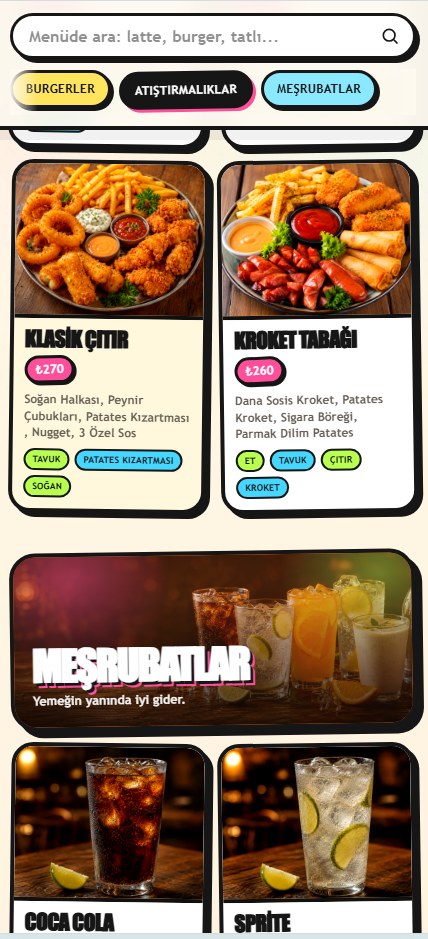
Guests scan once and view the menu without searching for a link or downloading anything.
Keep the same QR code while product information and prices change in your panel.
The menu is prepared for small screens, helping guests read choices at the table.
Add your categories and products with the details guests need.
Choose the menu and template settings that should be shown for that location.
Print the branch QR code or add the link to your table materials.
They are often used to mean the same thing in everyday searches, but a QR code is the practical format used to open a mobile menu.
Yes. The branch link can open the menu assigned to that branch.
Yes. The menu opens in a modern mobile browser after scanning the QR code.