Keep a single product source
Maintain the default product information once and reuse it in multiple menus or categories.
For restaurants and cafes
Restaurants need more than a static PDF behind a QR code. Build a structured menu where products, categories and branch assignments stay manageable as your service changes.
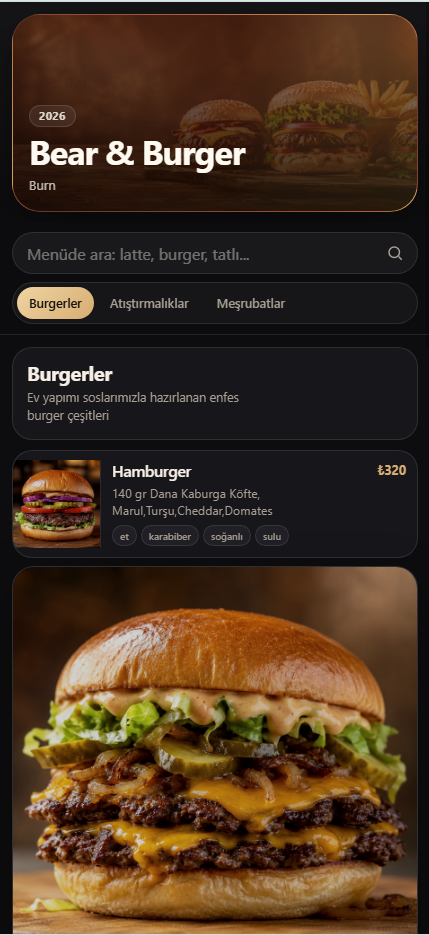
Maintain the default product information once and reuse it in multiple menus or categories.
Assign the right menu to each branch so different locations can present the appropriate selection.
Keep a default product price, then define an override only where a menu needs a different price.
Create your product and category pools before preparing a publishable menu.
Connect the selected categories and products in the order you want guests to see.
Publish the finished menu with its visual template settings for the branch.
Yes. You can prepare separate menus and assign the appropriate one to each branch.
Yes. A menu product can use an override price while keeping the original product price in the pool.
Yes. Your image pool keeps food and background images available for the relevant menu content.