Start without technical setup
Build your menu from a browser. No application installation or coding knowledge is required.
Free digital menu
Karkod.net helps you turn your menu into a clear, mobile-friendly digital experience. Update products and prices from one panel, then share the same QR menu at every table.
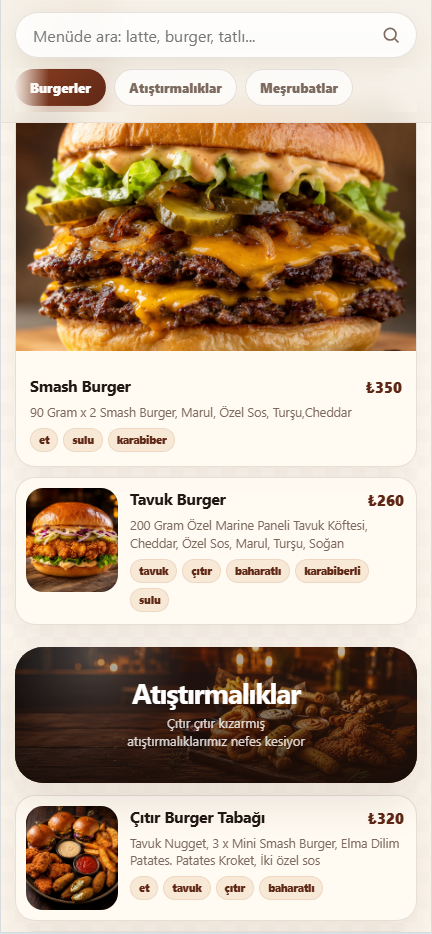
Build your menu from a browser. No application installation or coding knowledge is required.
Change a price, product or category once and your published menu reflects the update.
Guests scan the QR code and open your menu directly on their phone.
Open your business panel and start with your first menu.
Create categories, add products and choose the visual details of your menu.
Assign the menu to your branch and print or share its QR link.
Yes. You can create and manage your digital menu from Karkod.net without a technical setup.
Yes. Update the product in your panel and the menu shows the new price immediately.
No. The QR code opens the menu in the phone browser.